R2V VECTORIZE CONTOUR/TOPO MAPS AUTOMATICALLY
Automatic Vectorization
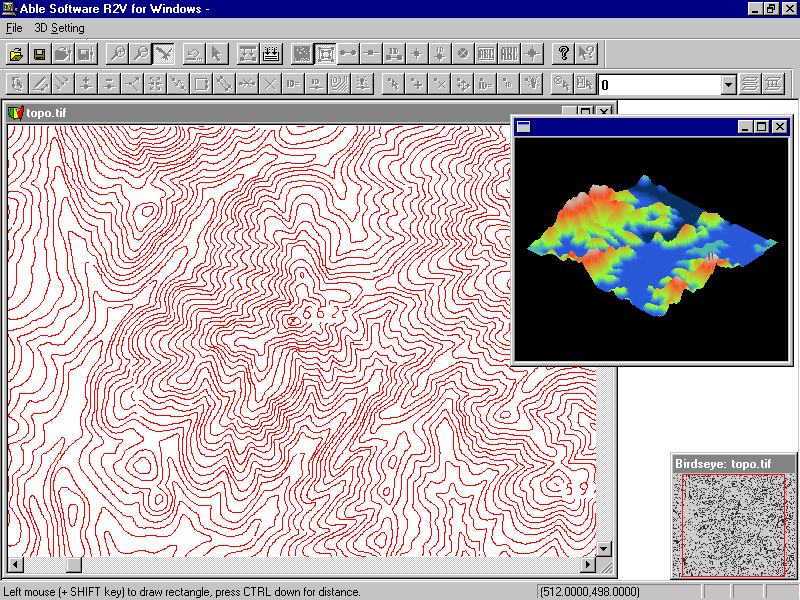
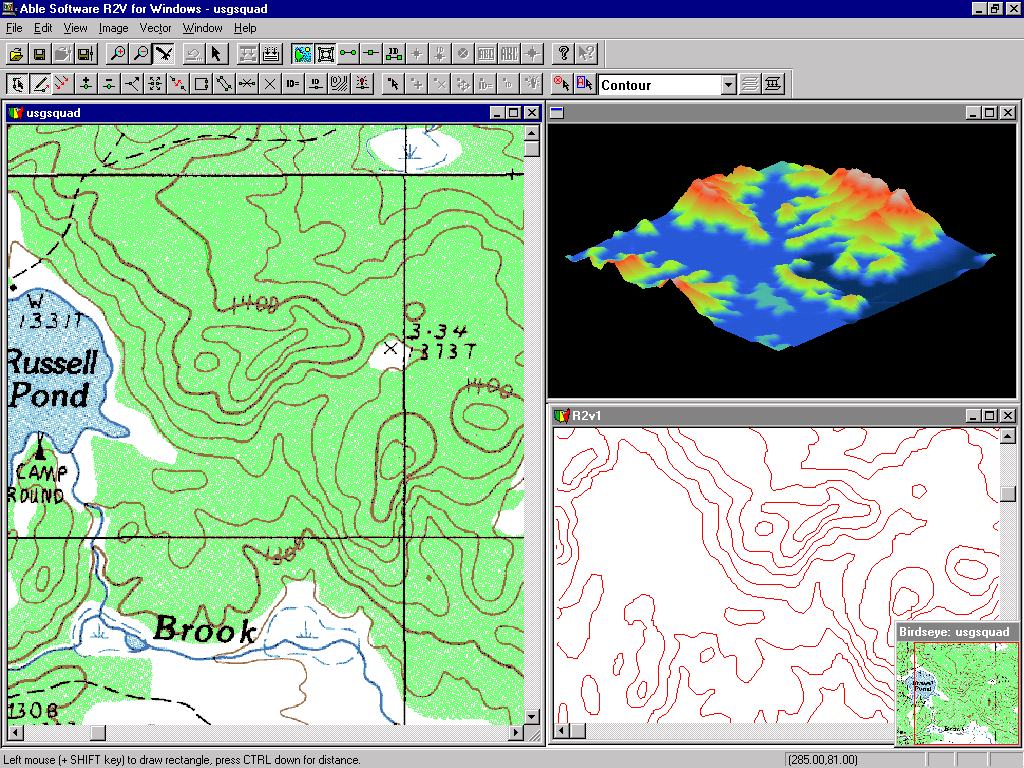
If your contour maps are in color and scanned as color images, use R2V's Image/Classification to purify the colors into a smaller number of colors. The Image/Image Pixel Tool can be used to merge colors and convert one color to another. You can then vectorize the contours by specifying the brown color and other colors separately using R2V's Vector/Auto Vectorize function.If your image is scanned as grayscale (this is recommended when map quality is not very high), use the Image/Set Image Thresholds command to select the best thresholds for contour lines, and then Vector/Auto Vectorize to trace all contours automatically.
If your image is 1-bit black and white, you can use Vector/Auto Vectorize to get all contour lines traced automatically.
Semi-Automatic Interactive Tracing
If you need to trace the contours selectively, then R2V's easy-to-use interactive tracing is the tool to use.
Start R2V's Line Editor (Edit/Line Editor) and turn on the Auto Tracing option. Click the starting point and click the next lead point and R2V will trace the entire line. It will stop for your further direction if there is a gap or intersection.
You can trace color images, grayscale, or black and white images.
Contour Line Editing and Labeling
R2V provides the best Line Editor, designed for quick map editing. People around the world use it on a daily basis for large and small mapping projects.
Contour labeling is made easy using the Label Contours option under Line Editor. Simply draw a line across the contours and enter the starting elevation and increment value, and it's done. All selected contours are labeled and ready to be used to create a DEM or by a mapping or GIS system.
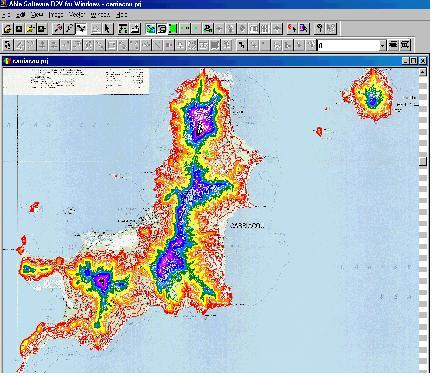
Below is an example of a topographic map in Grenada which has been vectorized and labeled using R2V. Different colors are used to show contours with different elevation.