3D VOLUME RENDERING & VISUALIZATION
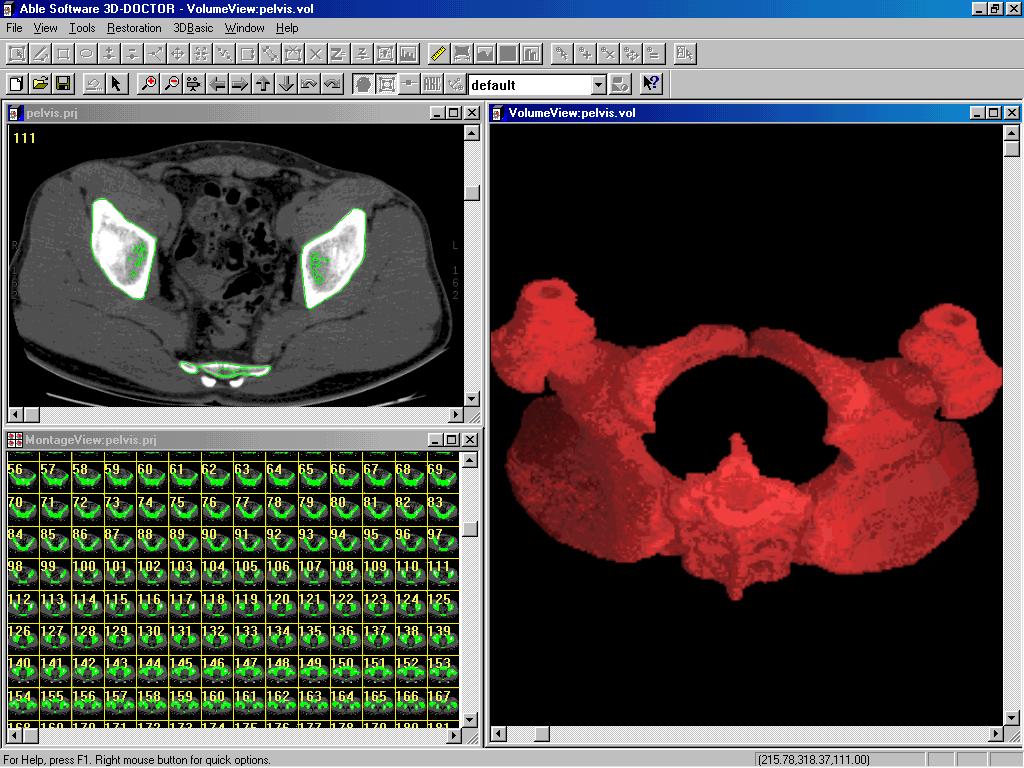
3D-DOCTOR provides several methods for volume rendering . The rendered 3D volume can be visualized in real time at any viewing angle thanks to the efficient ray-tracing algorithms implemented in 3D-DOCTOR. Either the entire image volume, a portion defined by regions of interest (ROI), or image portions defined by object boundaries can be used to create volume rendering.
The following lists the 3D volume rendering methods supported:
- Grayscale with Opaque Voxels: Image voxels are treated as opaque and ray traced and shaded using grayscale values.
- Grayscale with Transparent Voxels: Voxels are treated as transparent and ray traced to create 3D rendering.
- Color with Opaque Voxels: Color shading is applied on opaque voxels in volume rendering.
- Color with Transparent Voxels: All voxels are treated as transparent in the ray-tracing process and color shading is applied. Colors can be changed interactively.
- User-Defined Color Map: Volume rendering using a color map defined based on voxel values.
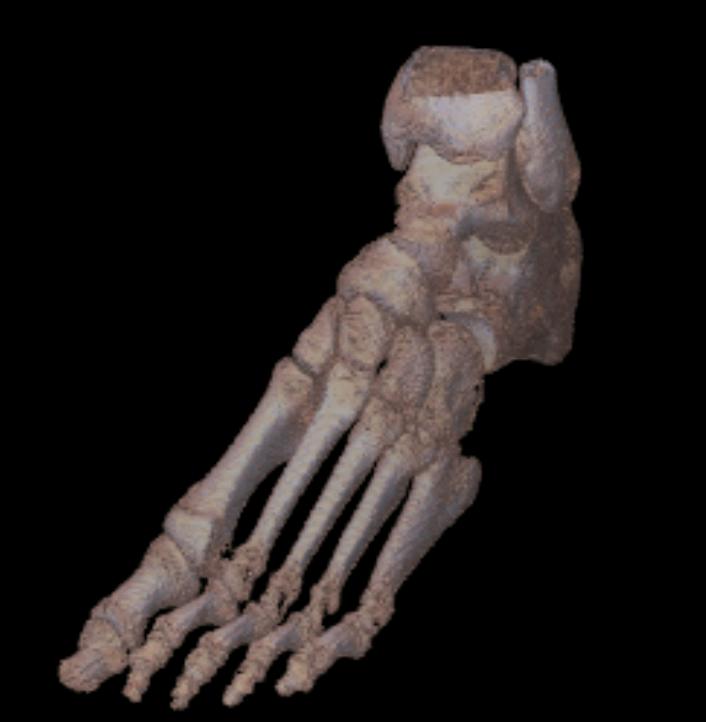
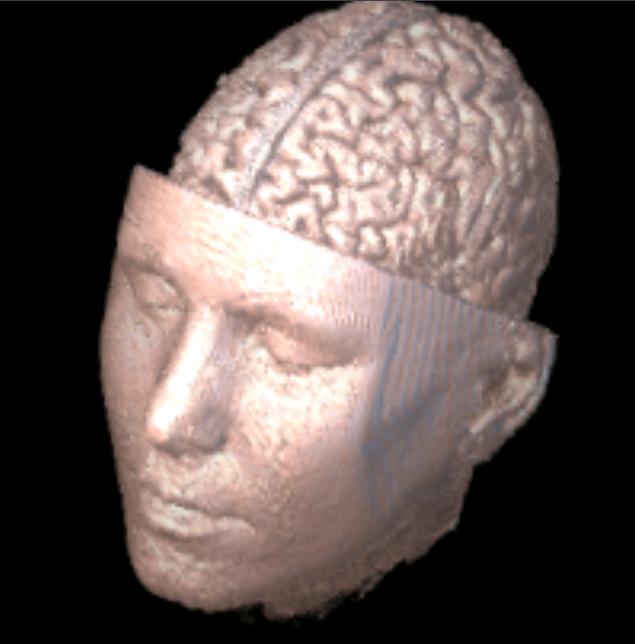
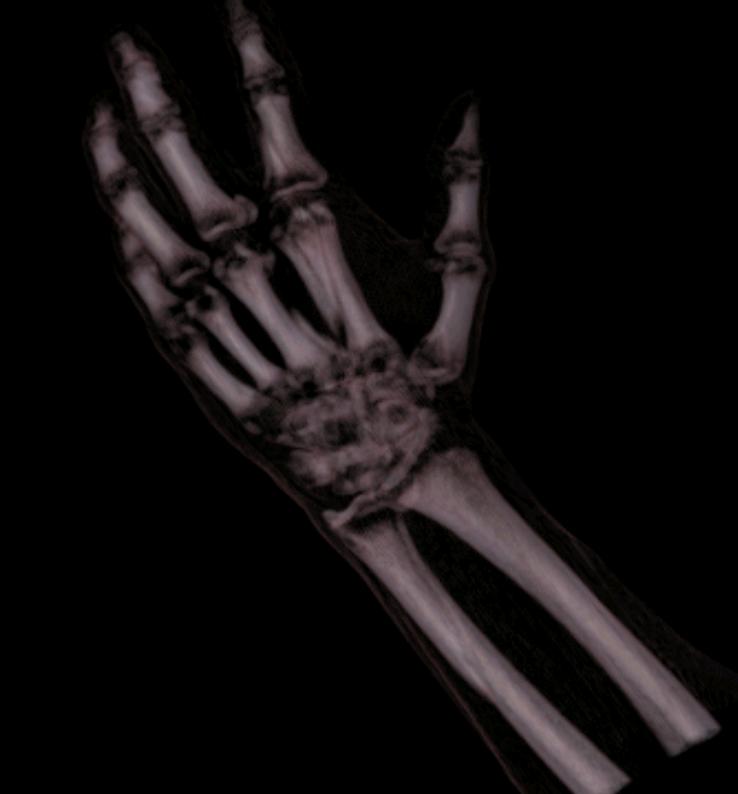
Volume rendering examples using 3D-DOCTOR:
This heart rendering is created from a CT scan:
 |
 |
 |
 |
 |
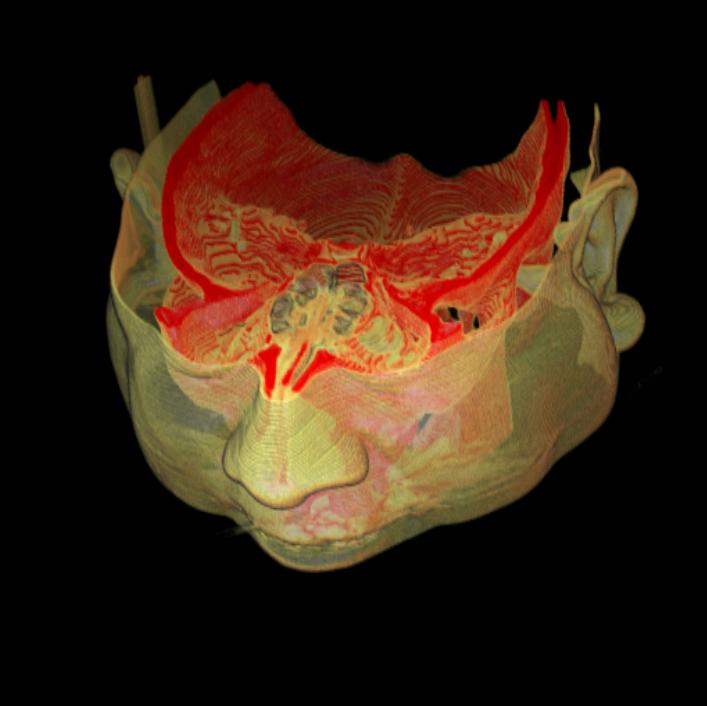 |
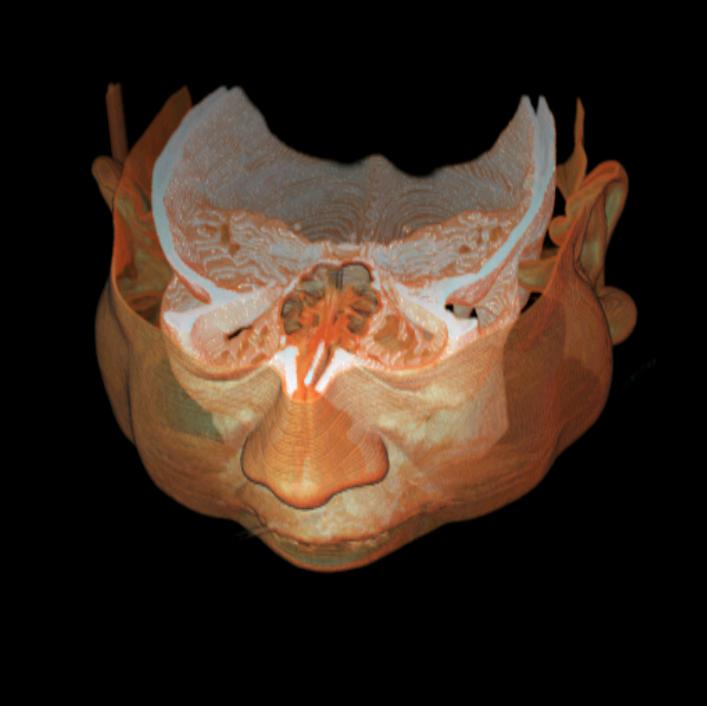
The following rendering is created from a CT scan of a mummy
using 3D-DOCTOR:
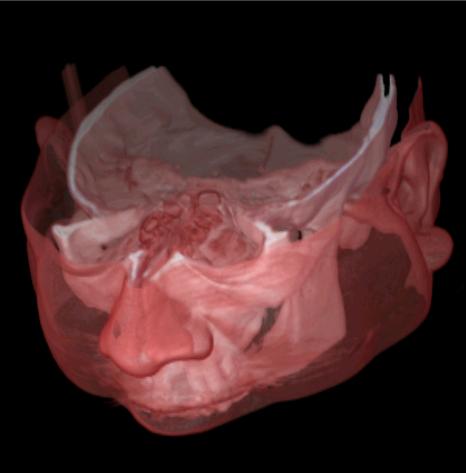
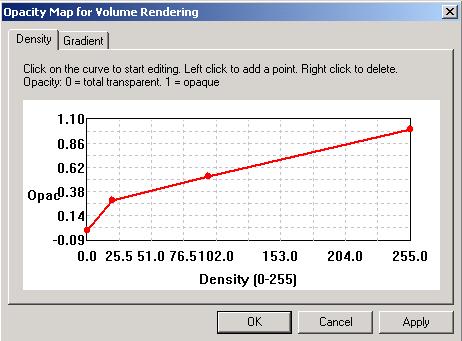
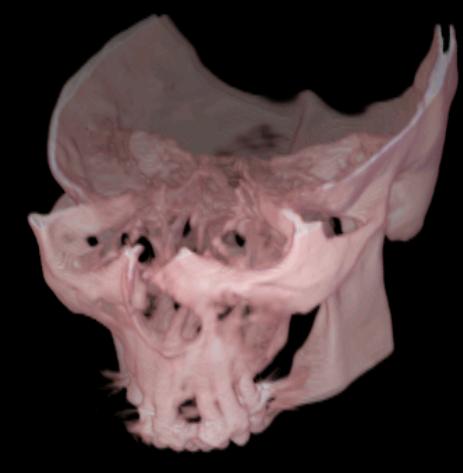
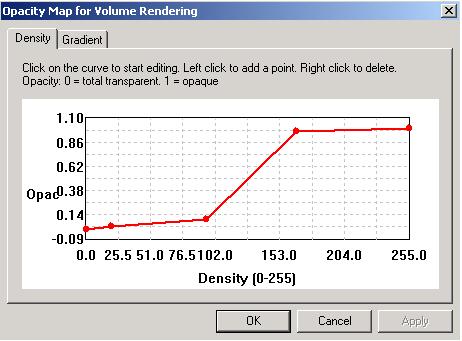
Voxel opacity curve can be adjusted to render tissues within certain density range.
Example 1:
 |
 |
 |
 |