3D-DOCTOR Image Gallery
Many of the images are contributed by 3D-DOCTOR users, thanks to them. If you have images or screen shots created using 3D-DOCTOR (or even the demo version) and would like to share with other 3D-DOCTOR users, you can email us your images (JPEG is the preferred format) and a brief description about the image and how it's created. We'll show it here and have a link directly to your web site.
If you need to check if a 3D output file generated by 3D-DOCTOR is compatible with other programs you use, you can download some sample files using the following links (click the right mouse button and use Save Target As to get the file):
- DXF Format (AutoCAD DXF)
- IGES Format
- VRML Format
- BINARY STL Format
- ASCII STL Format
- 3DS Format (3D Studio)
- OBJ Format (Wavefront OBJ)
- 3D-DCOTOR's 3D .SUF Format
This heart rendering is created from a CT scan:
The following rendering is created from a CT scan of a mummy
using 3D-DOCTOR:
Volume Rendering
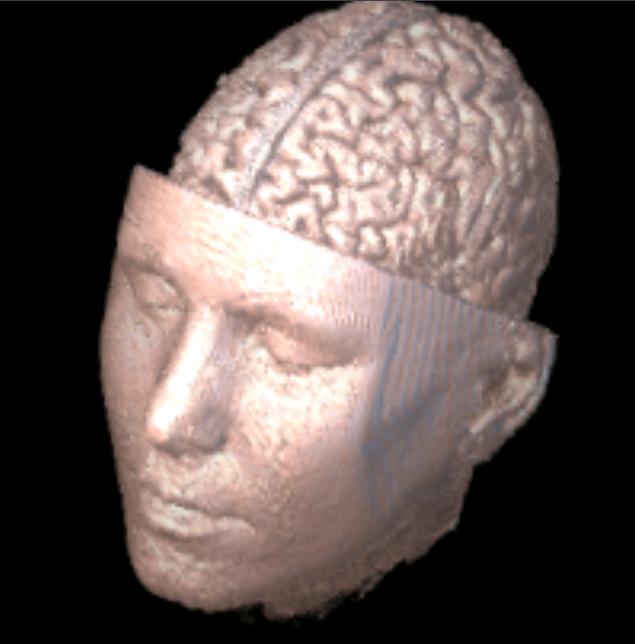
This rendering is created from a MRI scan. |
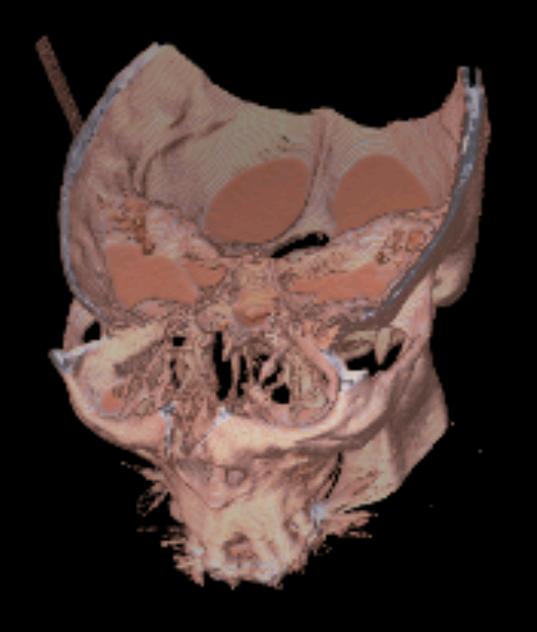 Created from a head CT scan. |
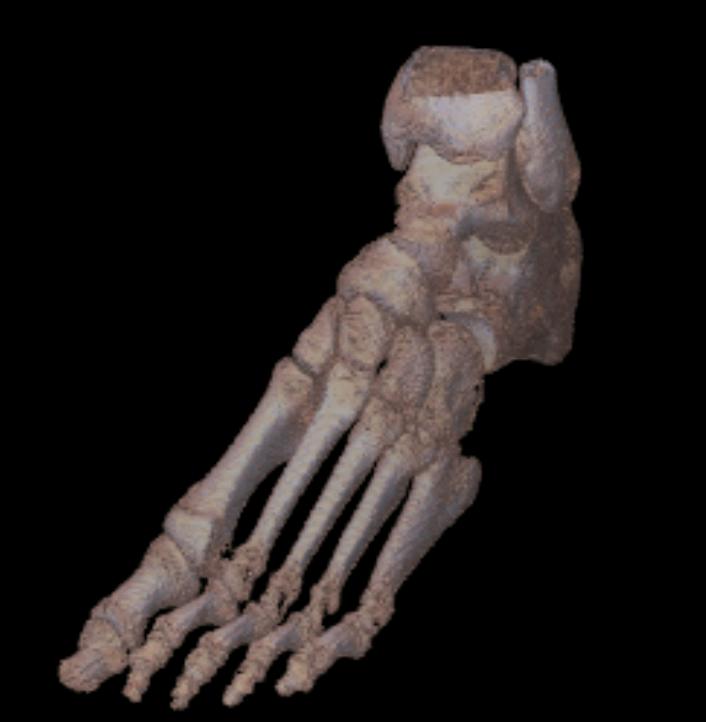 Created from a foot CT scan |
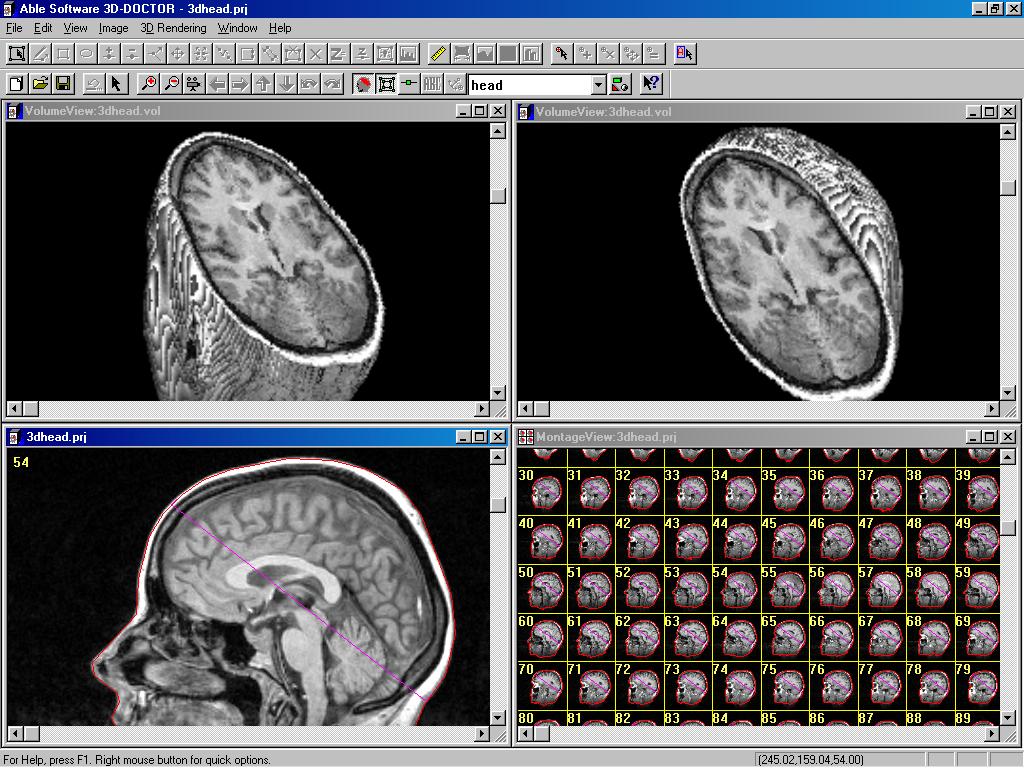 Direct 3D volume rendering from MRI scan |
3D Modeling By
Surface Rendering
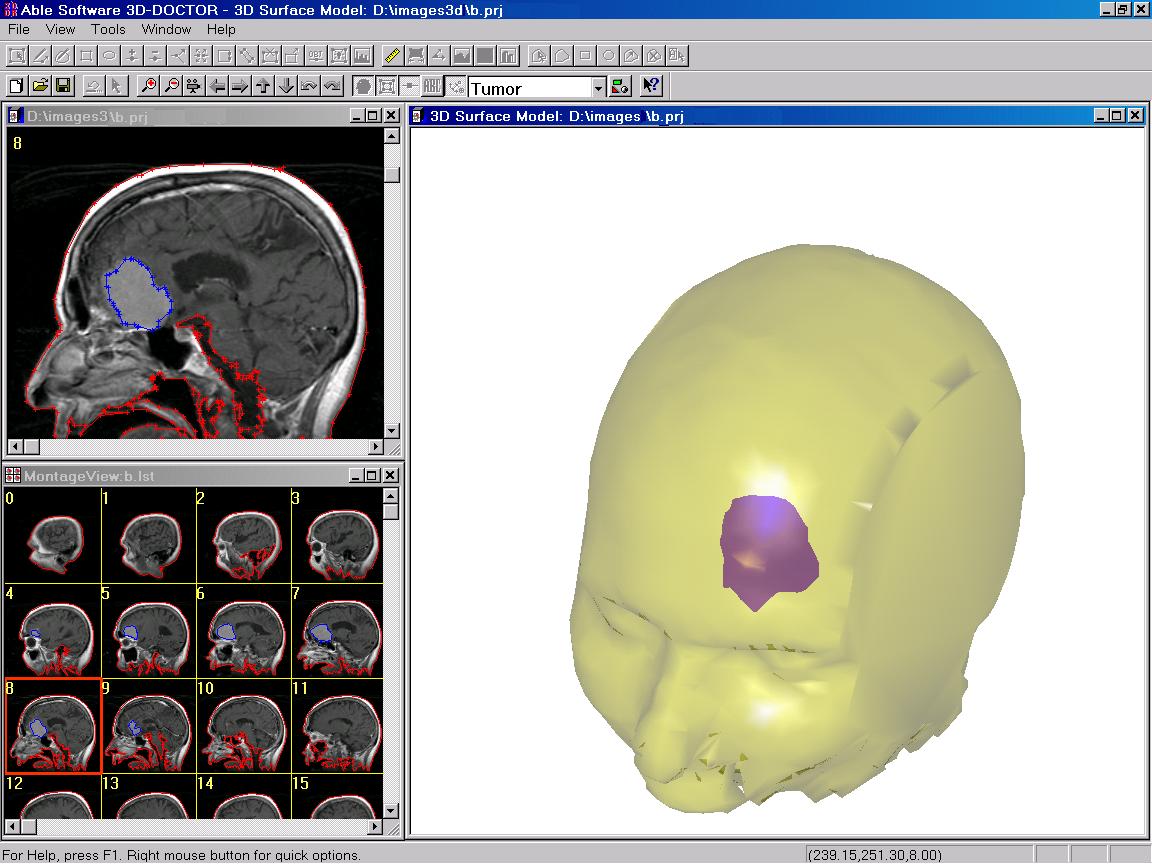 |
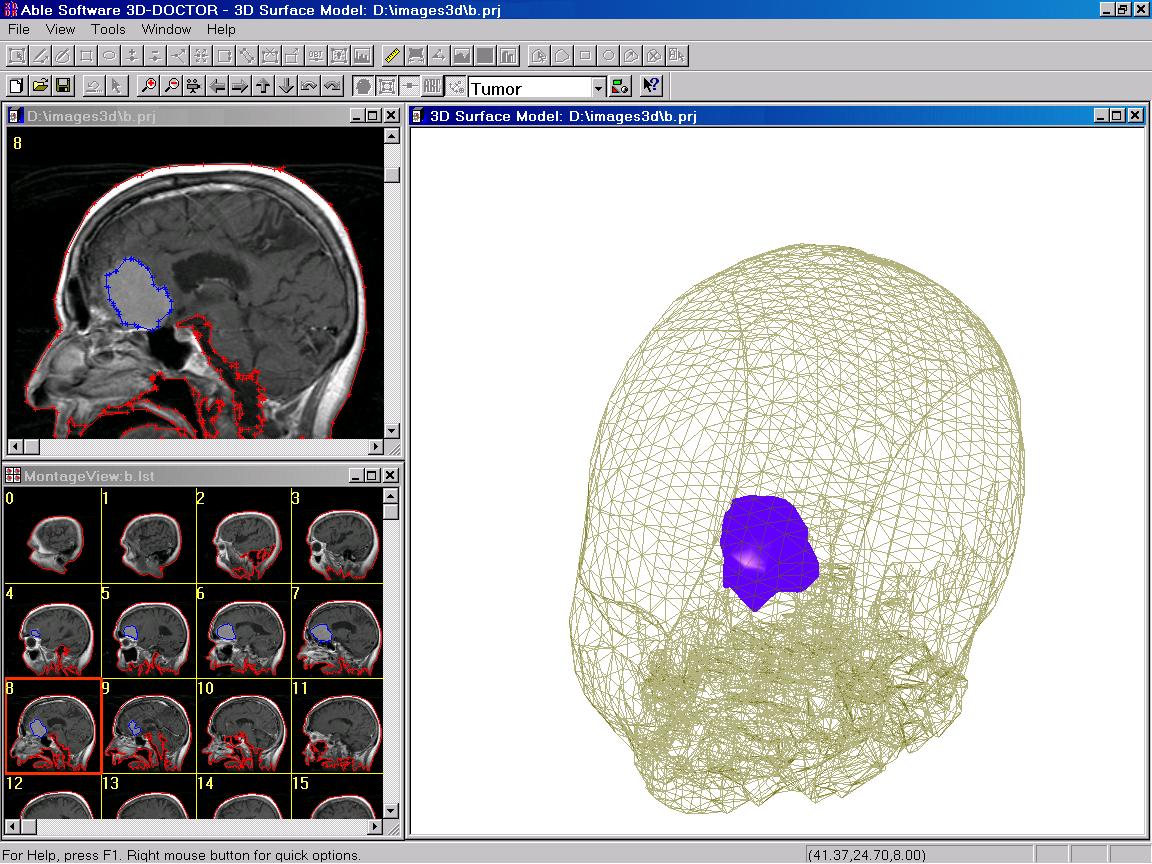 3D model created from MRI scan. It contains 2 objects, the skin and the brain tumor. The top image is rendered with surface shading, the bottom image is rendered with the skin displayed in wire frame form. |
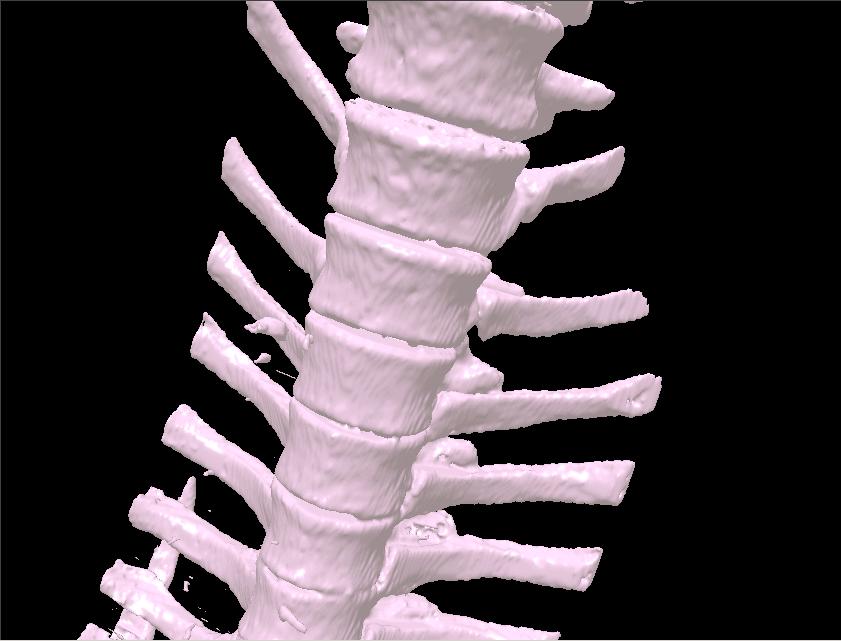 Spine
model created from CT scan Spine
model created from CT scan |
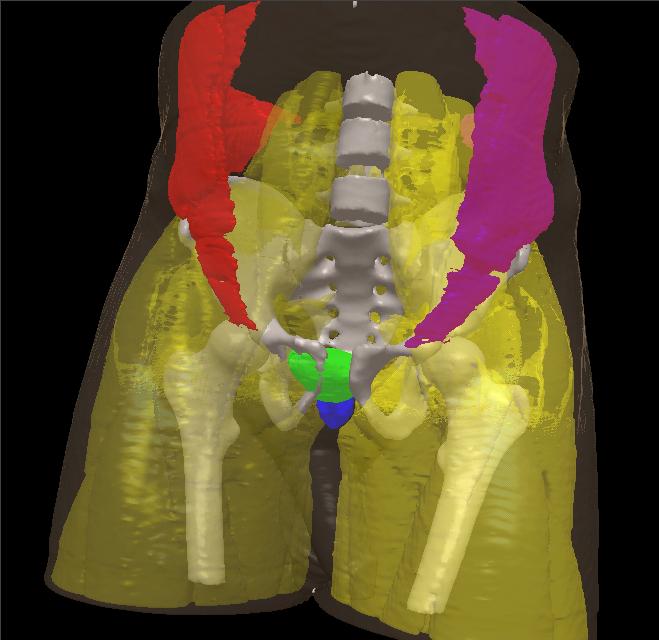 Models
of ProstateETC, Bladder, Six Pack, Oblique Right, Oblique Left, Muscle
Left, Muscle Right, Skin, Skeleton, Atom Skin are created from the
Visible Human Project color image. Image courtesy of H. Gall,
CIRS Models
of ProstateETC, Bladder, Six Pack, Oblique Right, Oblique Left, Muscle
Left, Muscle Right, Skin, Skeleton, Atom Skin are created from the
Visible Human Project color image. Image courtesy of H. Gall,
CIRS |
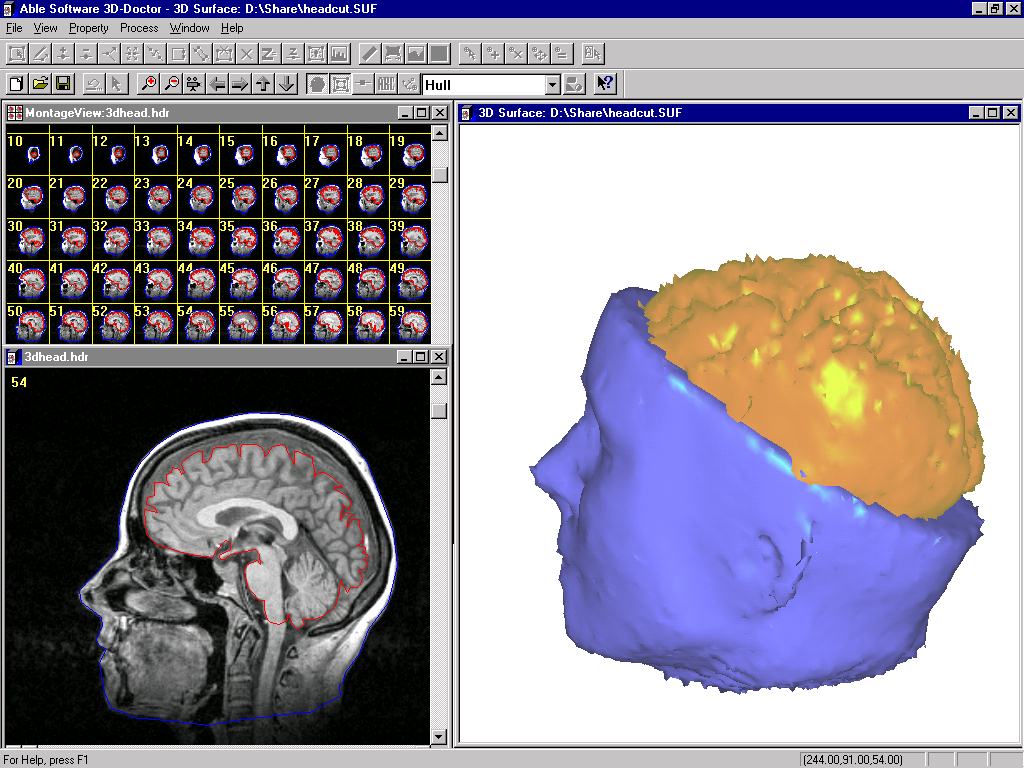 Created from a MRI scan. The 3D
model has two objects, the brain and lower half of the head Created from a MRI scan. The 3D
model has two objects, the brain and lower half of the head |
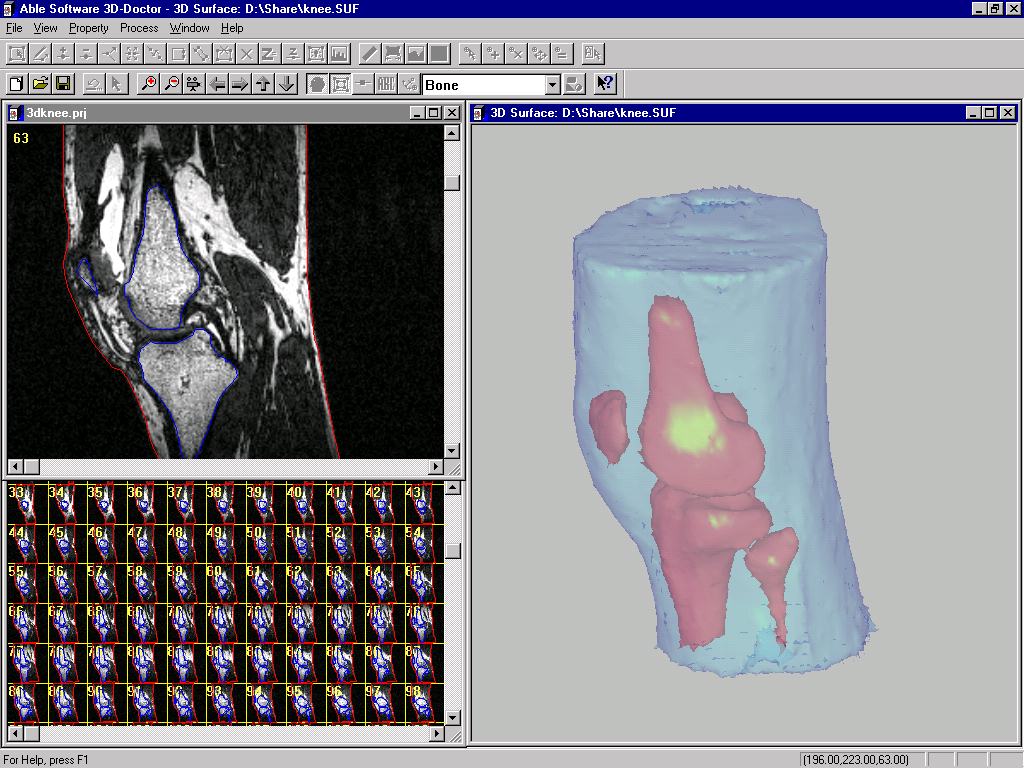 Created from a MRI scan Created from a MRI scan |
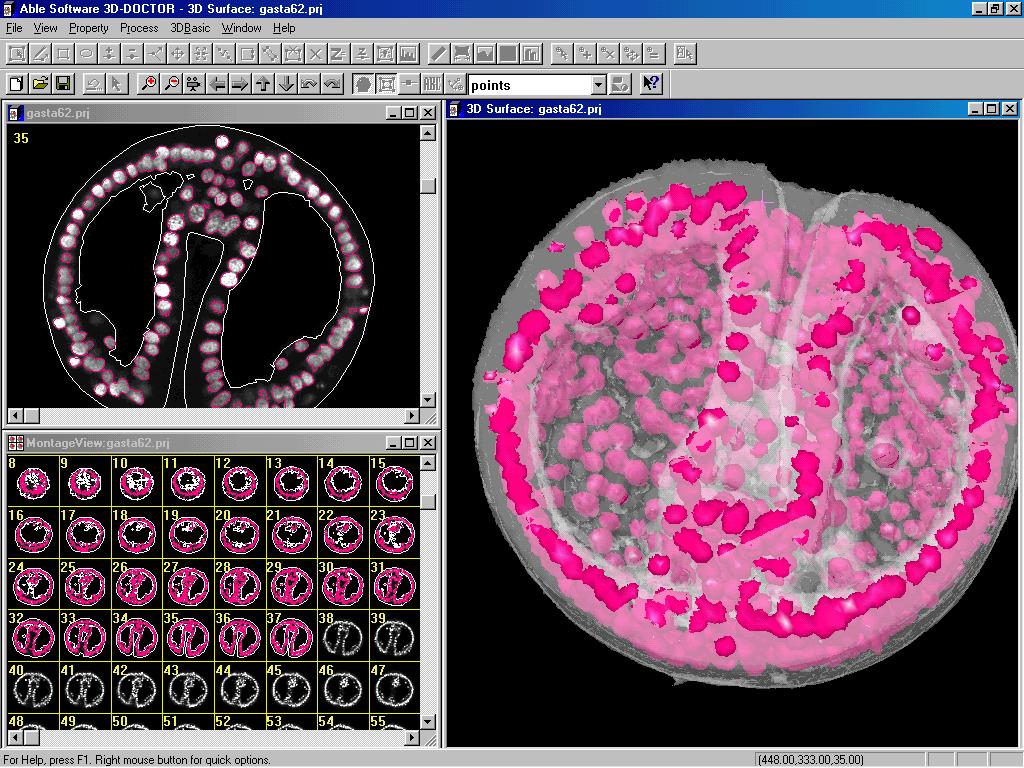
3D rendering from a microscopy image. |
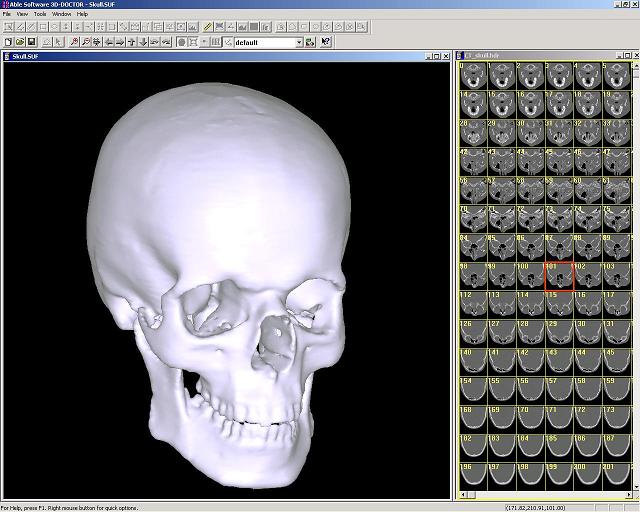 Skull model created from a CT scan |
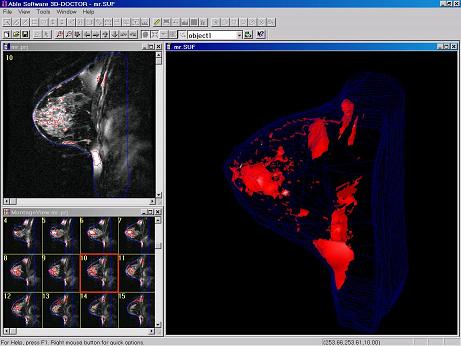 3D surface rendering from MRI scan. |
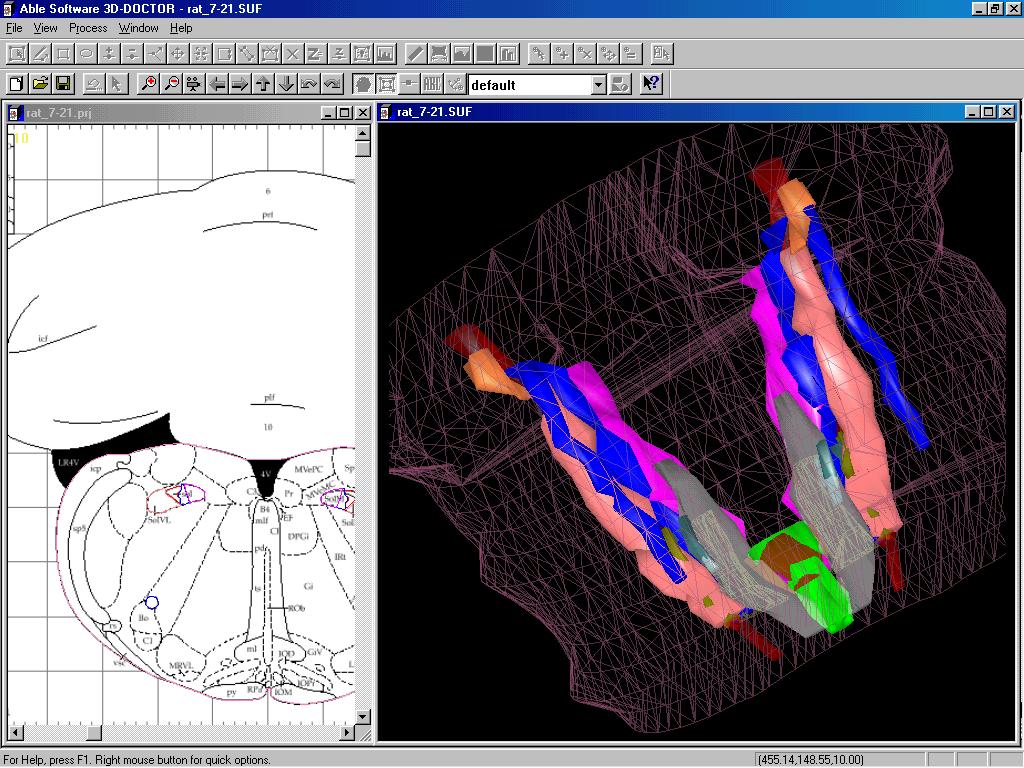 3D rat brain modeling from profile images. |
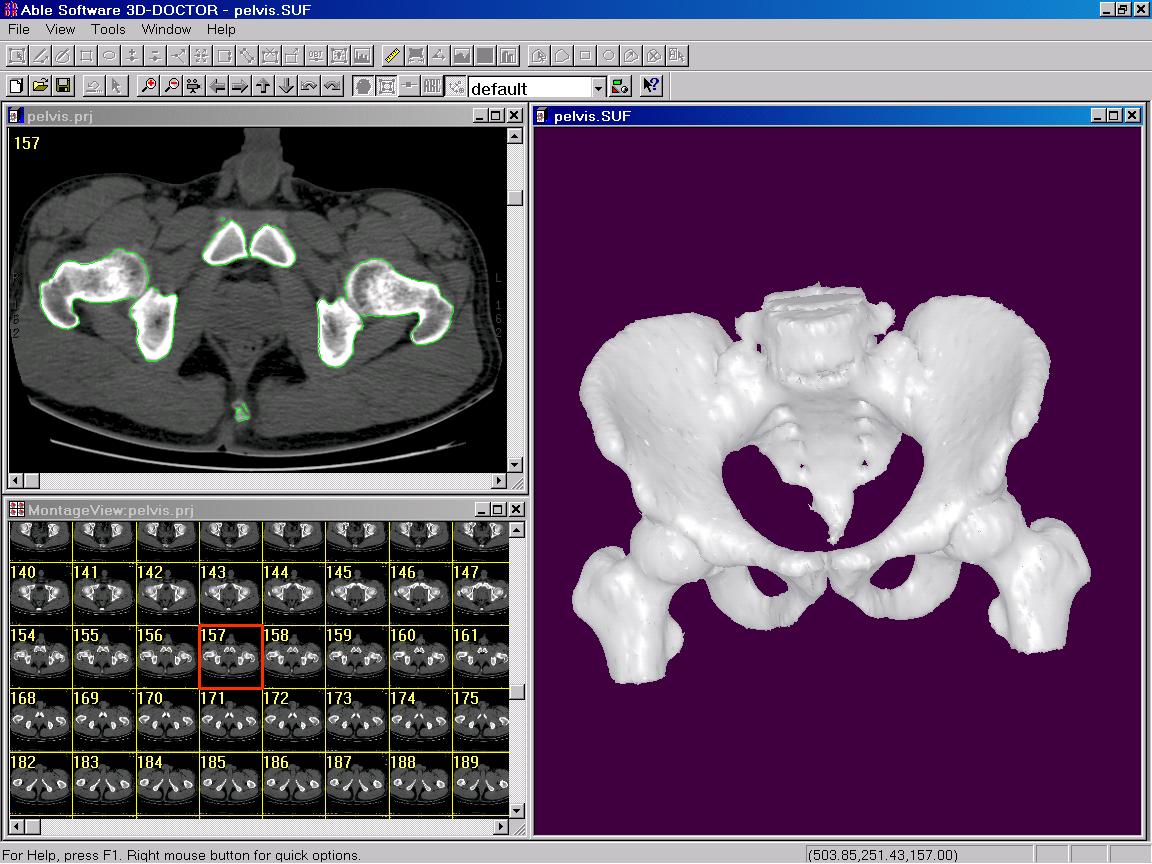 Pelvis model created from a CT scan. |
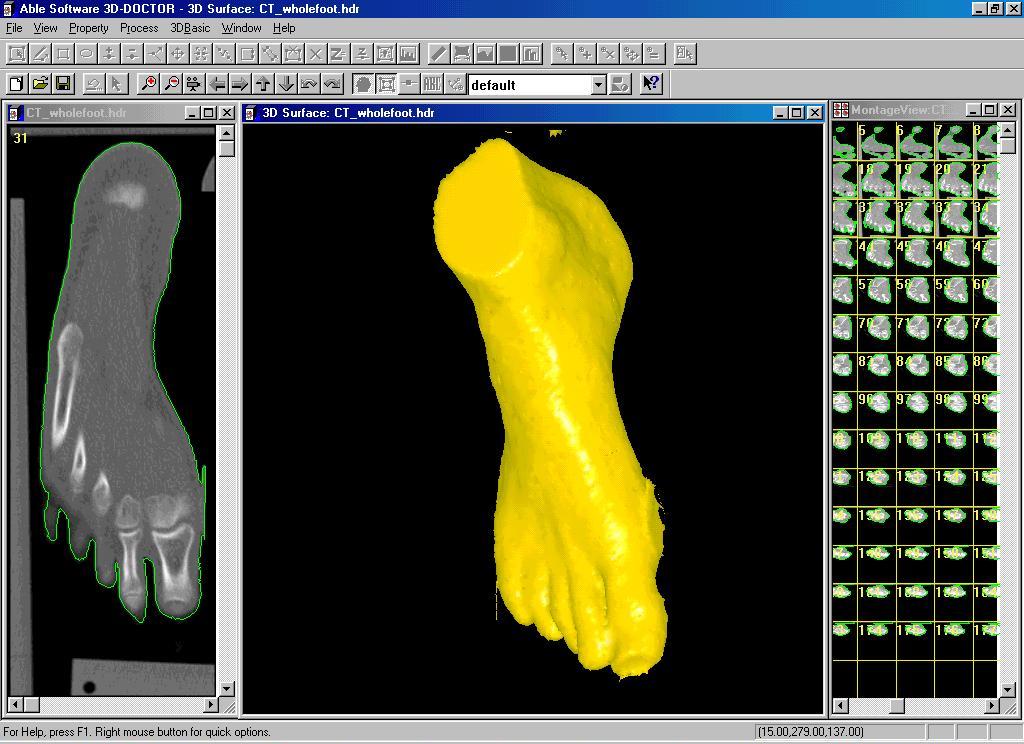 Foot model created from a CT scan. |
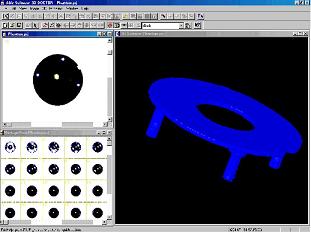 3D models created fro reverse engineering using a CT scan. |
Image Registration &
Fusion
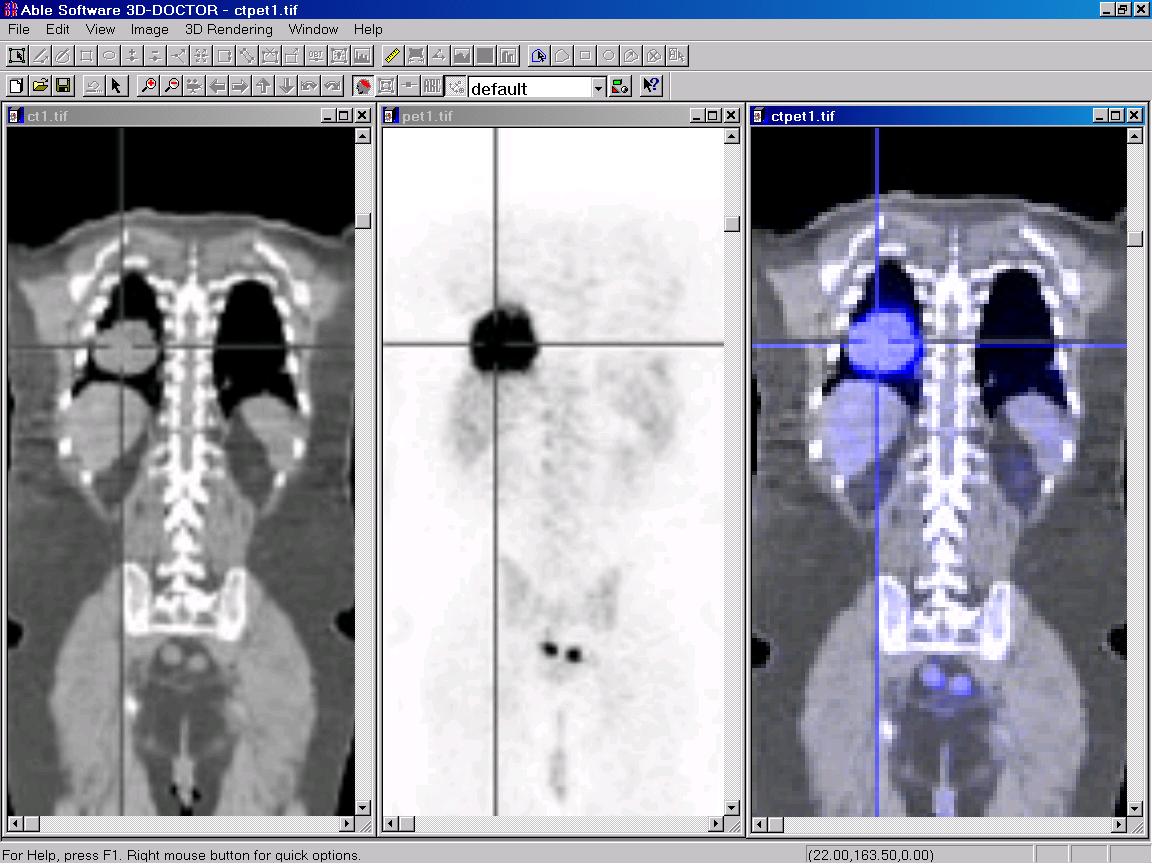 |
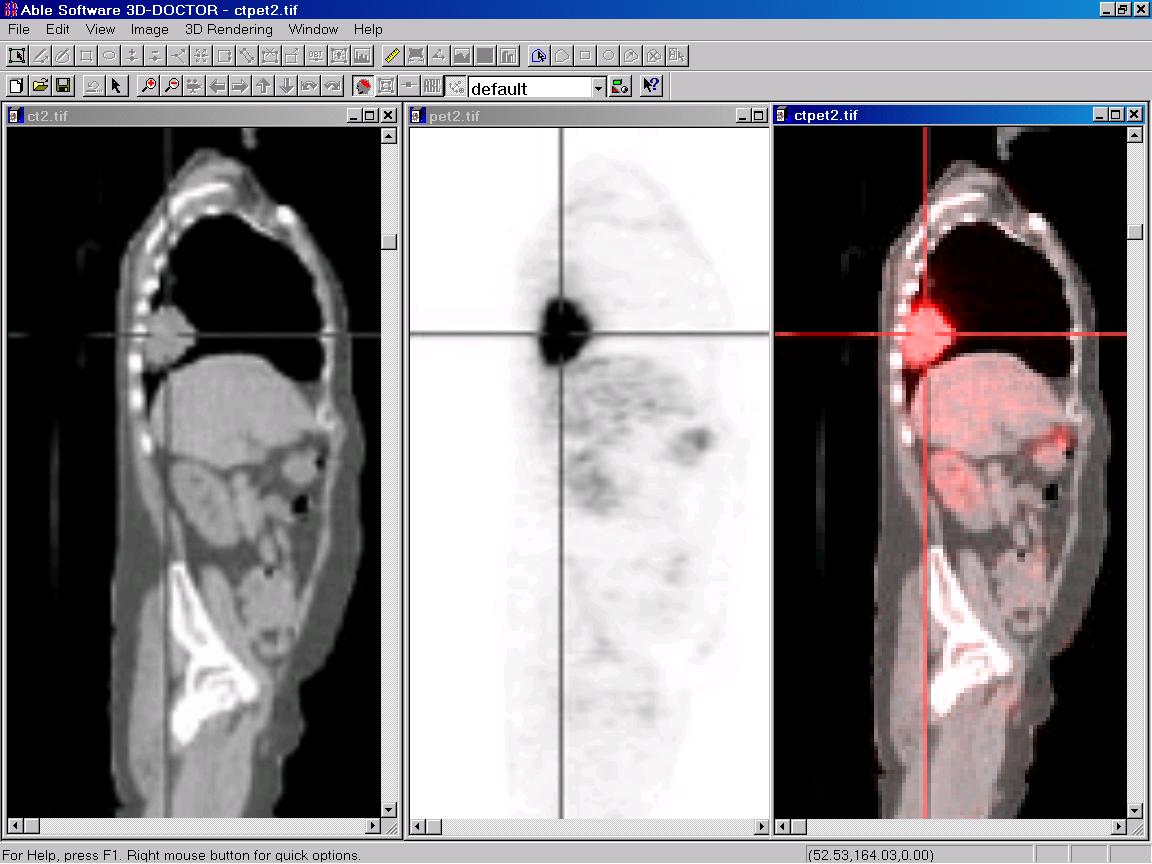 Image fusion using CT and PET image |